
Drivers
Accept rides when you decide to.
You're your own boss: go online when and where you want. Trips are open in Sunyani and the surrounding areas.
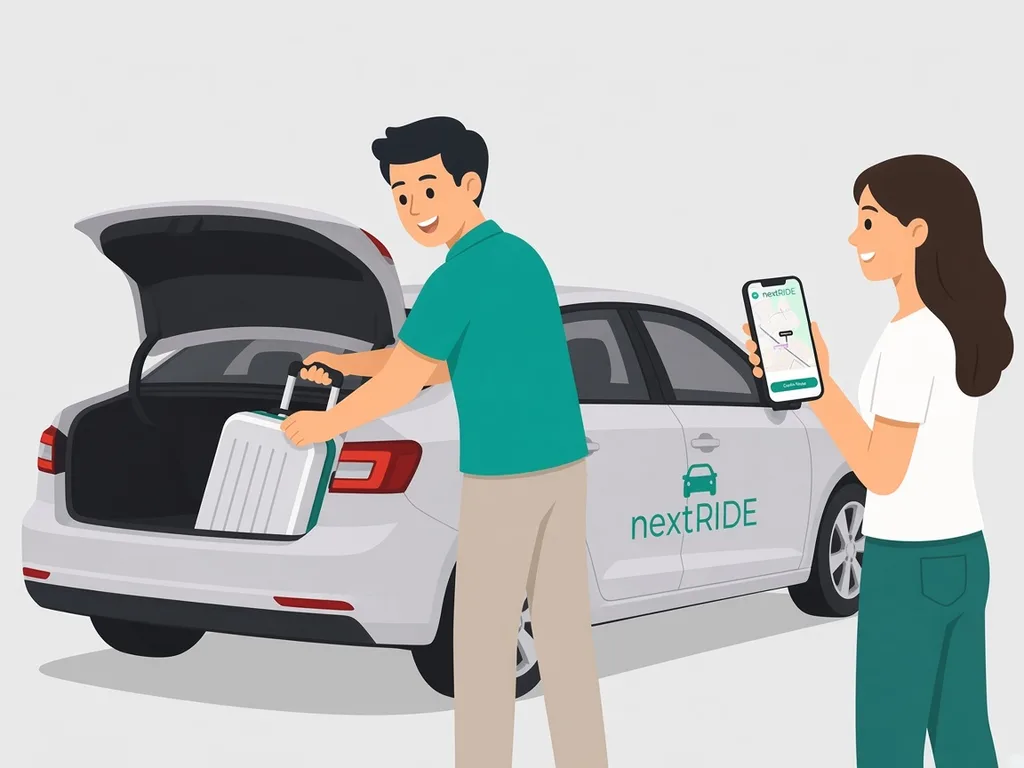
Your time
You choose when you are online.
Set your own hours. When you are not on a trip, your time is yours.
Every 7 days
Payouts to mobile money.
Payouts go to MTN Mobile Money, AirtelTigo, or Telecel. The first withdrawal in each period is free.
Service fee
A service fee applies to each completed trip. The Driver app and driver terms show the current details.
Four steps.
- 01
Download the Driver app
Install nextRIDE Driver on Android or iOS.
- 02
Sign up and register your vehicle
Create your driver account and add the vehicle you will use.
- 03
Complete verification
Finish the checks the Driver app asks for. What you need is listed on this page.
- 04
Start accepting rides
When you are approved, go online when you want to and accept trip requests in Sunyani and the surrounding areas.
What you need
What you need to get approved. Updated August 5, 2025.
- You are at least 18.
- You hold a valid Ghanaian driver's license.
- Your vehicle has a valid insurance sticker. Comprehensive cover is recommended. Third party is accepted.
- Your vehicle has a valid roadworthiness sticker.
- You add a professional profile photo.
- The vehicle is legally registered, insured, and meets safety and roadworthiness standards.
- You agree to background checks and driving-record checks. nextRIDE can repeat them.
You cover insurance that meets Ghana’s rules for this work, plus fuel, maintenance, licences, and taxes. nextRIDE does not insure you or your vehicle.